Connecting with kubectl
kubectl is the standard command-line client for Kubernetes. The dashboard and
kubectl talk to the same cluster, so a resource created in one appears in the
other. Install kubectl on the machine
that will be used. Cluster admin access is required to download the kubeconfig,
and the cluster must be healthy.
As a supplement to this documentation, the tutorial video demonstrates how to connect with kubectl. The demo cluster has a stopped upgrade, so the recording shows different Kubernetes versions on its control plane and worker nodes.
Download the kubeconfig
Open Compute > Stacks from the navigation menu, select the cluster, then select Kubeconfig under Connect to this cluster. The kubeconfig contains the address of the Kubernetes API and a cluster-admin token.

Important
Store the file securely. Do not commit it to version control or share it. The token gives full access to the cluster and does not expire.
Set Up the kubeconfig
kubectl reads ~/.kube/config by default. Move the downloaded file there:
$ mkdir -p ~/.kube
$ mv ~/Downloads/kubeconfig ~/.kube/config
If a configuration file already exists, this replaces it. To keep several
clusters, use a separate file and set KUBECONFIG:
$ export KUBECONFIG=~/Downloads/kubeconfig
Alternatively, modify an existing configuration to contain multiple clusters.
Check the Connection
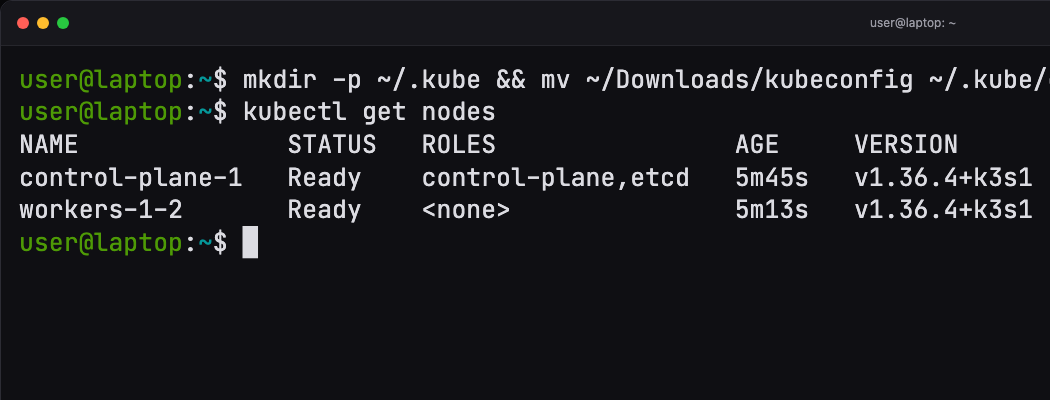
List the nodes:
$ kubectl get nodes
The output shows the control plane and worker nodes, with the same names as the dashboard.
All pods can also be listed:
$ kubectl get pods -A
Create a Deployment
Create a Deployment with the nginx image:
$ kubectl create deployment web --image=nginx
Wait for the rollout and list the pods:
$ kubectl rollout status deployment/web --timeout=180s
$ kubectl get pods
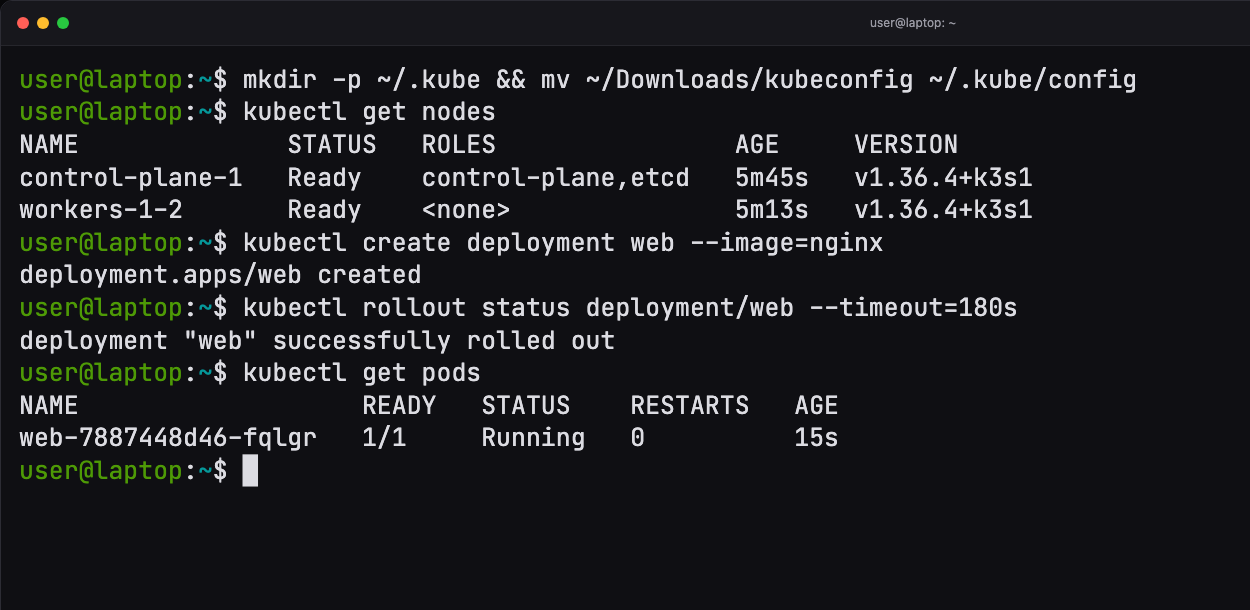
The first pull can take a moment while the image is copied to the node.
View in the Dashboard
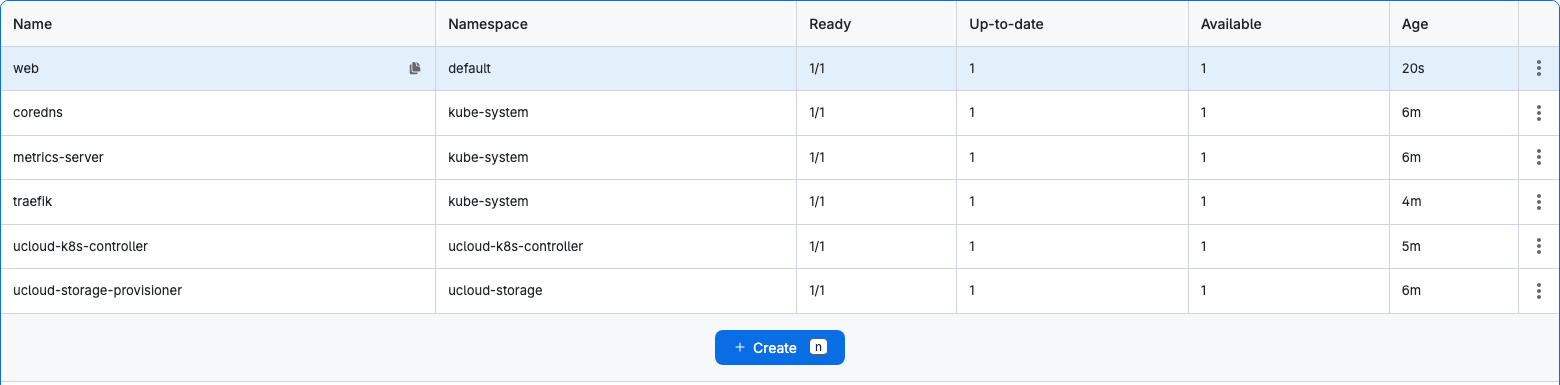
Open Workloads > Deployments in the dashboard menu. The web Deployment
appears in the list, because the dashboard reads the same Kubernetes API.
Clean Up
Delete the Deployment:
$ kubectl delete deployment web
Contents